Case study · Fertility services
HubSpot Partner Attribution
HubSpot segmentation for signups from a partner clinic network
At a glance
- Client
- A US cryobank
- Industry
- Fertility services
- Year
- 2026
- Role
- HubSpot investigation and implementation
- Stack
- HubSpot · HubSpot Forms · HubSpot Workflows
Partner signups taggedno change to onboarding
Project details
A US cryobank runs landing pages for its partner fertility clinic networks, so that people coming through a clinic can create an account from a page made for that network. Signups from one partner network's page were meant to be recognisable in HubSpot, so the team could segment them and, where wanted, send onboarding written for that network. They were not: in HubSpot, a partner signup looked exactly like any other.
Finding out what actually creates the contact
Two separate systems write to the same HubSpot portal. The main website creates contacts through HubSpot form tracking when someone signs up. A sister platform with its own backend creates contacts through the HubSpot Contacts API, upserting them by email. The working assumption was that the website behaved like the second: registration, then a backend sync that would set the partner property and trigger the right workflow.
We tested it. Registrations made through the partner landing page were traced with browser HAR logs and checked against each contact's property history in HubSpot. Every contact had been created by the signup form itself, and nothing updated it afterwards: no backend sync ran after registration. The promotion behind the landing page was known to the website's own system, with its ID, name and coupon code, but none of it reached HubSpot.
The fix
Rather than build a new backend integration, we added what the form was missing. A new HubSpot contact property records the clinic network, and a hidden field with the same internal name sits on the signup form. The partner landing page links to signup with the network in the URL, the form carries it into HubSpot, and the contact is created already tagged. Everything after that runs exactly as before: the account type, the existing welcome workflow, the backend step that sets the client type, and the branches that follow it.
Signup, after the change
- Visit — the user lands on the partner network's page
- Sign up — the Create Account link carries the clinic network in the URL
- Submit — the HubSpot form passes it on through a hidden field
- Tag — the contact is created with its account type and clinic network set
- Onboard — the contact enters the existing welcome workflow
- Branch — a backend step sets the client type and the workflow branches as before
Validation
We tested every way into signup from the partner page. The page's own Create Account buttons carried the tag through. Two links in the site header, one for the account and one for sign-up or log-in, sent people to signup without it. We documented both with the fix (separate log-in from sign-up, add the clinic network to sign-up links, and keep log-in out of the HubSpot sync), and the client's developers took the navigation change on.
What it delivered
- Reliable clinic-network attribution for new signups
- No disruption to the onboarding workflows already running
- Minimal system change — one property and one hidden field
- Ready for more partners — the same property works for any clinic network
- A root-cause report — which system creates contacts, and why the tag was missing
Partner signups now arrive in HubSpot tagged with their clinic network, from one new property and one hidden field, without touching the onboarding workflows that were already running.
“Axar7 Team is great to work with. I work with them across quite a few projects and would definitely recommend.”
What we'd build next
Next, the same tag can be rolled out to the client's other partner clinic networks, and once the navigation change ships, used to send onboarding written for each network.
See the work in action. Start your project with us.
Start a projectOther Projects
- 01
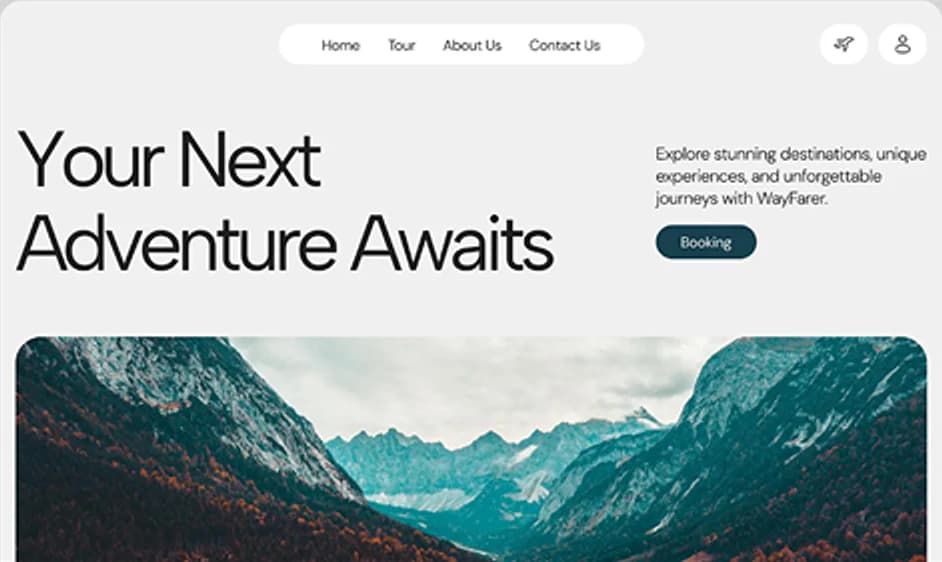
WayOn
Adventure & sports discovery, booking and marketplace
Full-Stack ProductBooking Platform - 02
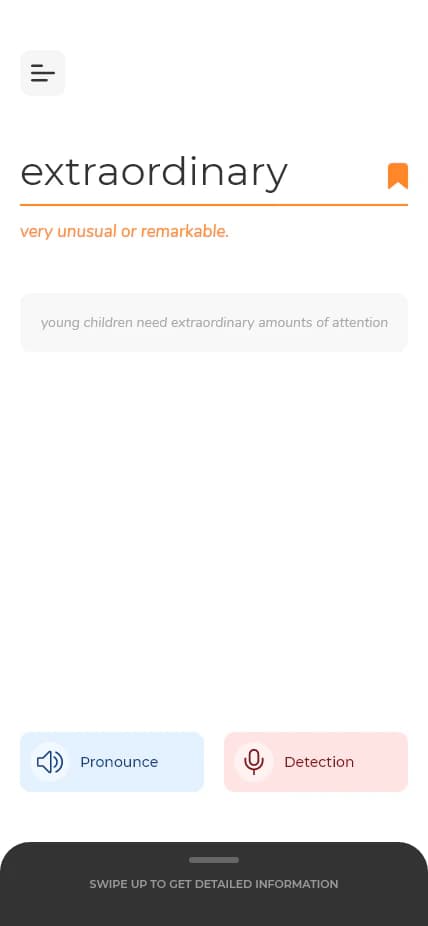
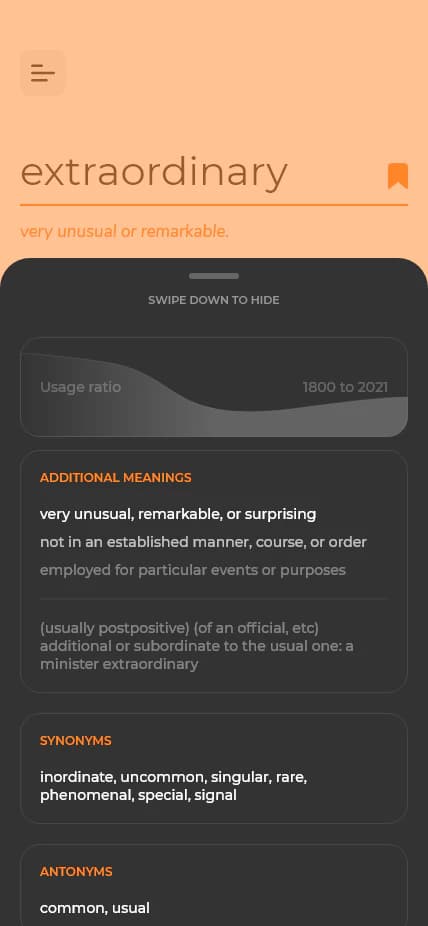
DictionarE
The dictionary tailored for engineering professionals
Product DesignWeb & Mobile - 03

Equity Films
Website and admin portal for a specialized production studio
Corporate WebsiteAdmin Portal - 04
Kallix
UX overhaul to improve retention and engagement
UX ResearchUI Redesign - 05
CRM Export Pipeline
Serverless export of B2B data into six CRMs and sales tools
Data InfrastructureServerless - 06
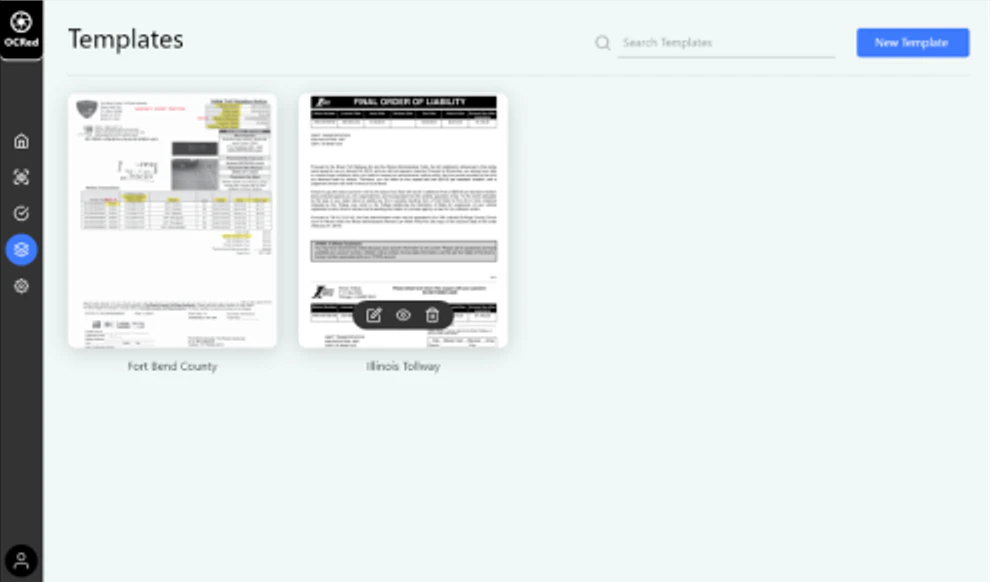
OCRed
High-volume OCR ETL for a European toll agency
ETL ProductDocument Intelligence